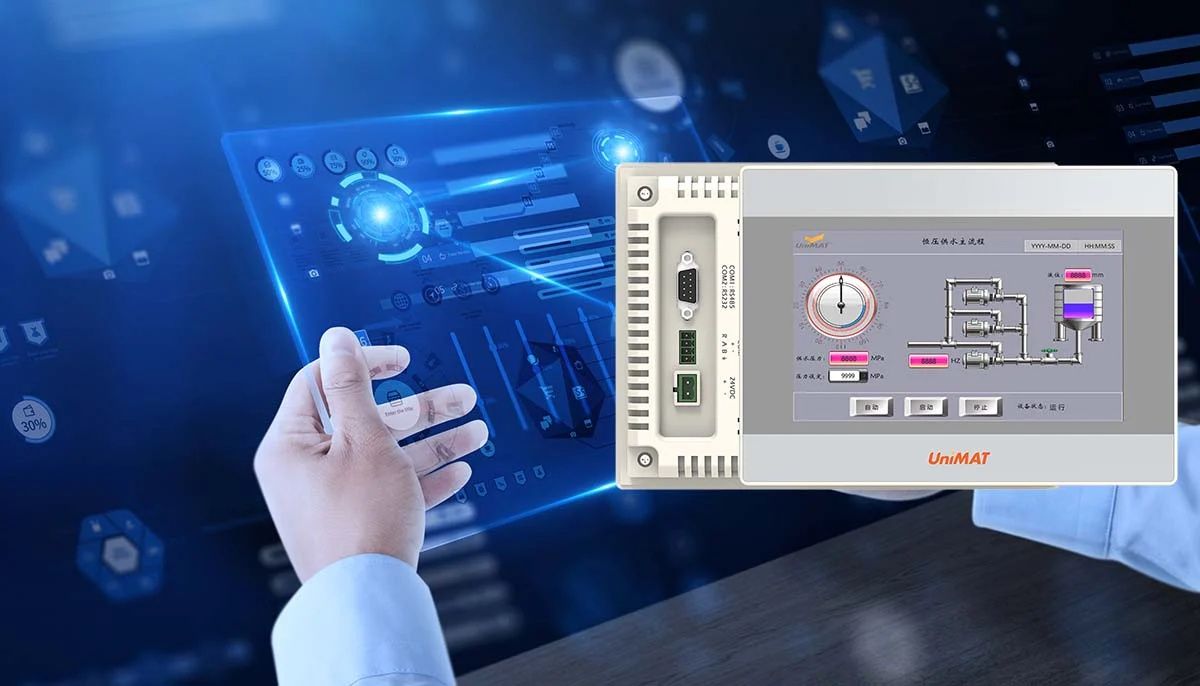
Human Machine Interface panels, commonly known as HMI panels, are devices that allow people to interact with machines, systems, or industrial processes. They exist to translate complex machine data into visual and interactive formats that are easier for operators to understand and control.
In industrial environments, machines generate large amounts of data related to speed, temperature, pressure, alarms, and system status. HMI panels present this information through screens, symbols, charts, and controls. This allows operators to monitor performance, adjust settings, and respond to issues without directly interacting with the internal machine components.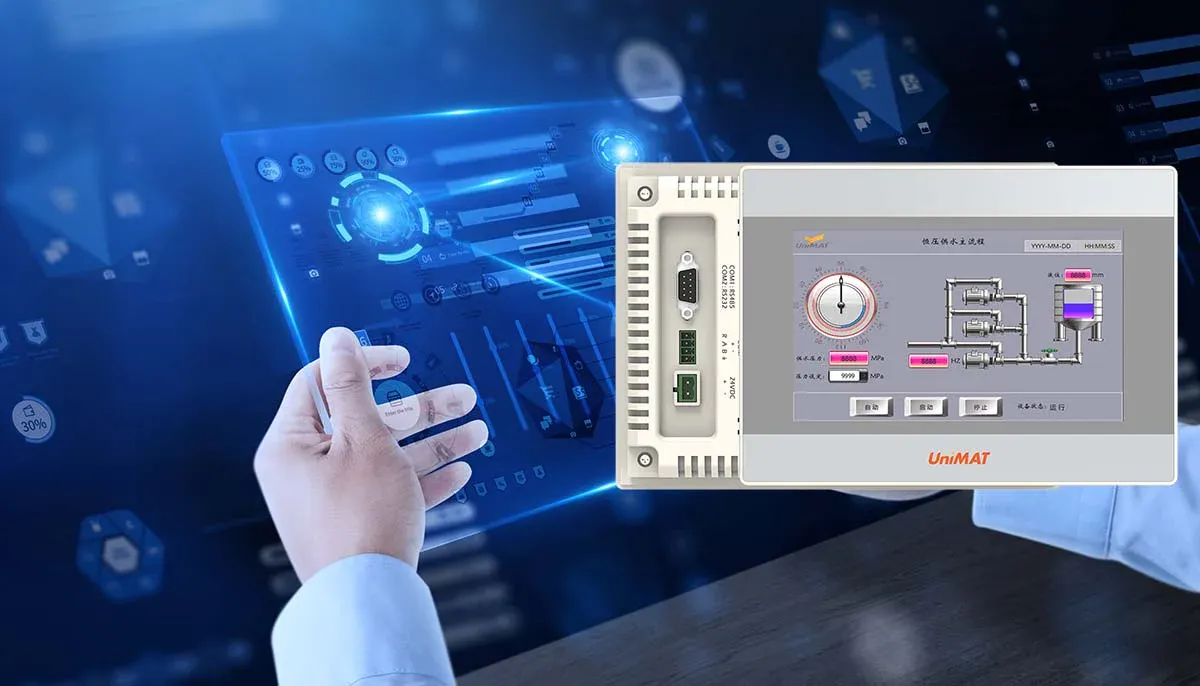
HMI panels serve as a communication bridge between humans and automated systems. Their design and functionality help ensure that machine operations remain transparent, manageable, and responsive to real-world conditions.
Why HMI Panel Types Matter
Different HMI panel types exist because industrial environments vary widely in complexity, scale, and user needs. A single type of interface cannot effectively support every application, which makes understanding panel variations important.
This topic affects:
-
Manufacturing and production facilities
-
Automation and control system environments
-
Operators and technicians monitoring equipment
-
Engineers designing control architectures
Common challenges that HMI panels help address include:
-
Difficulty interpreting machine data
-
Slow response to system alerts
-
Limited visibility into process conditions
-
Risk of operational errors due to unclear interfaces
Choosing appropriate HMI panel types improves usability and clarity. Well-matched panels help operators make informed decisions, reduce confusion, and maintain smoother control over automated processes.
Common Types of HMI Panels Explained
HMI panels are categorized based on size, functionality, interface method, and deployment environment. Understanding these types helps clarify how they are used in different settings.
Basic HMI Panels
These panels display essential information such as status indicators, alarms, and simple controls. They are often used in smaller systems where minimal interaction is required.
Advanced HMI Panels
Advanced panels support detailed graphics, trend visualization, and multi-screen navigation. They are used in environments where operators need deeper insight into processes.
Touchscreen HMI Panels
Touchscreen panels allow direct interaction through taps and gestures. They reduce reliance on physical buttons and support flexible interface layouts.
Keypad-Based HMI Panels
These panels use physical keys for navigation and input. They are often preferred in environments where gloves are required or where touchscreens may be less practical.
Mobile and Remote HMI Interfaces
These interfaces allow monitoring and control from portable devices. They extend visibility beyond fixed control rooms.
The table below summarizes key characteristics.
| HMI Panel Type | Primary Feature | Typical Use |
|---|---|---|
| Basic Panels | Simple indicators | Small systems |
| Advanced Panels | Detailed visualization | Complex processes |
| Touchscreen Panels | Direct interaction | Modern automation |
| Keypad Panels | Physical input | Harsh environments |
| Remote Interfaces | Flexible access | Distributed systems |
Developments and Design Trends in HMI Panels
HMI panel design continues to evolve as automation systems become more data-driven and interconnected. One noticeable trend is the emphasis on user-centered interface design. Panels are increasingly designed to reduce cognitive load and present only relevant information.
Another development is improved graphical clarity. Modern HMI layouts favor clean visuals, consistent symbols, and structured navigation paths. This helps operators understand system status quickly without extensive interpretation.
There is also greater focus on scalability. HMI panels are now designed to adapt to changing system requirements, allowing interfaces to grow in complexity as processes expand. These shifts reflect a broader move toward clarity, adaptability, and operator efficiency.
Regulatory and Policy Influence on HMI Panels
HMI panels are affected by industrial safety regulations and operational standards. These rules aim to ensure safe interaction between humans and machines.
Key regulatory considerations include:
-
Electrical safety and enclosure standards
-
Visibility and readability requirements
-
Emergency stop and alarm accessibility guidelines
-
Environmental protection norms for industrial equipment
Government and industry standards bodies often define how control interfaces should present warnings and critical information. Compliance with these rules helps ensure that HMI panels support safe and predictable operation in industrial environments.
Tools and Resources for HMI Panel Design and Use
Several tools and resources support the design, configuration, and evaluation of HMI panels. These resources focus on usability, clarity, and system alignment.
Common tools and resources include:
-
Interface design software for layout creation
-
Symbol libraries and visualization standards
-
Screen navigation and workflow templates
-
System simulation and testing environments
-
Operator training and reference guides
The table below shows how these tools support effective HMI use.
| Tool Category | Purpose | Practical Benefit |
|---|---|---|
| Design Software | Interface layout | Improved clarity |
| Symbol Libraries | Visual consistency | Faster recognition |
| Workflow Templates | Navigation structure | Reduced errors |
| Simulation Tools | Interface testing | Better reliability |
These tools help ensure that HMI panels are not only functional but also intuitive.
Key Factors When Selecting HMI Panel Types
Selecting an HMI panel involves balancing technical requirements with human usability. Understanding key selection factors helps align panels with operational needs.
Important factors include:
-
Screen size and resolution
-
Input method suitability
-
Environmental conditions
-
System compatibility
-
Operator experience level
The relationship between these factors is outlined below.
| Selection Factor | Impact on Operation |
|---|---|
| Screen Size | Information visibility |
| Input Method | Ease of interaction |
| Environment | Panel durability |
| Compatibility | System integration |
Thoughtful selection supports long-term usability and reduces the likelihood of interface-related issues.
Role of HMI Panels in Automation Systems
HMI panels play a central role in automation systems by acting as the primary control and observation point. They allow operators to:
-
Monitor real-time process data
-
Respond to alarms and alerts
-
Adjust parameters within defined limits
-
Review historical trends
By consolidating information into a single interface, HMI panels help streamline communication between humans and machines. This supports more informed and timely decision-making.
Frequently Asked Questions
What is an HMI panel used for?
An HMI panel is used to monitor and control machines or processes through a visual interface.
Are all HMI panels touchscreen-based?
No. Some panels use physical keys, while others support touch-based interaction.
How do HMI panel types differ?
They differ based on size, interface method, functionality, and application environment.
Why is interface design important in HMI panels?
Good design improves clarity, reduces errors, and helps operators respond quickly.
Can HMI panels be customized?
Yes. Interfaces are often customized to match specific process and operator needs.
Concluding Overview
HMI panel types exist to support effective interaction between humans and automated systems. They translate complex machine data into usable information, helping operators monitor and control industrial processes with clarity.
By understanding the context, importance, design trends, regulatory considerations, tools, and selection factors, readers gain practical insight into how HMI panels function within automation environments. Well-chosen and well-designed HMI panels contribute to safer operations, better usability, and more efficient system control across a wide range of industrial applications.