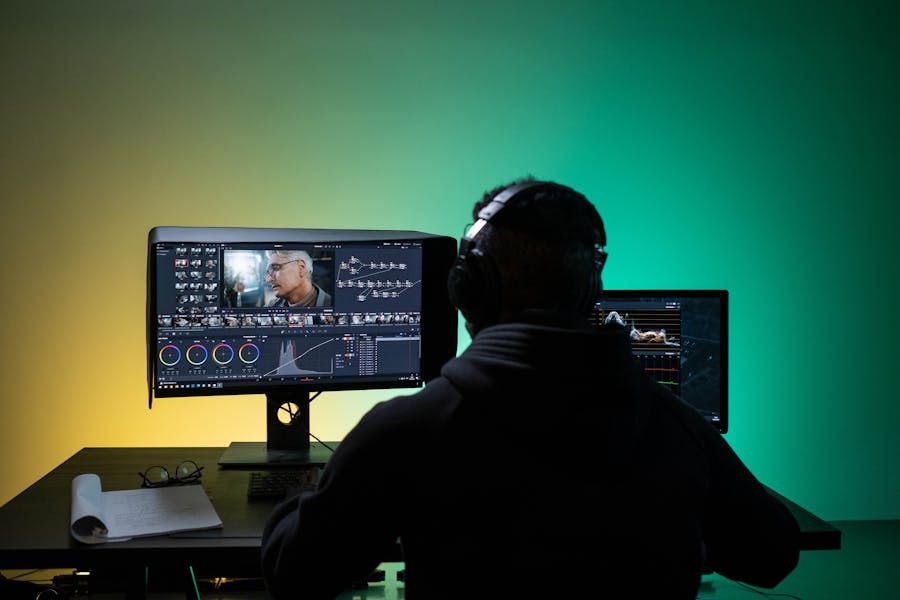
Video editing tools are software applications designed to assemble, refine, and enhance video content. They allow users to cut footage, arrange clips, adjust colors, manage audio, and apply visual effects to produce structured videos. These tools exist because raw video recordings rarely communicate a complete story on their own. Editing transforms unprocessed footage into coherent, engaging visual narratives.
As digital media has expanded across education, entertainment, marketing, and communication, the demand for structured video content has grown. From short social clips to long-form documentaries, creators rely on video editing tools to organize material, correct imperfections, and express ideas visually.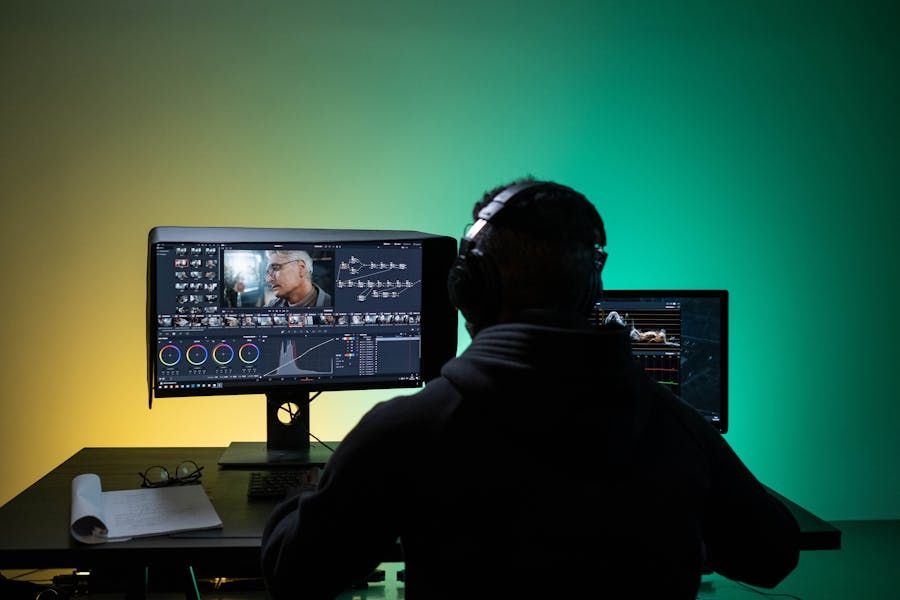
At a basic level, video editing involves importing footage, arranging timelines, applying transitions, and exporting final files. More advanced workflows include motion graphics, sound design, and color grading. Whether used by individuals or production teams, modern video editing software supports a wide range of creative and technical requirements.
Importance: Why Video Editing Tools Matter in Digital Content Creation
Video editing tools play a central role in how visual information is shared today. They affect content creators, educators, media professionals, businesses, and independent storytellers who rely on video to communicate ideas.
Their importance comes from several practical benefits:
-
Content clarity: Editing removes unnecessary segments and highlights key moments.
-
Creative control: Users can shape pacing, mood, and visual style.
-
Audience engagement: Structured videos are easier to follow and more impactful.
-
Workflow efficiency: Modern tools streamline tasks like trimming, syncing audio, and exporting.
-
Quality improvement: Adjustments to lighting, color, and sound enhance overall presentation.
As online platforms prioritize video formats, professional video editing tools and entry-level editors alike have become essential for producing polished digital content.
Recent Updates: Developments in Video Editing Software Capabilities
Recent developments in video editing tools focus on usability, performance, and intelligent automation rather than simple feature expansion.
Key trends observed in recent periods include:
-
AI-assisted editing: Automated scene detection, background removal, and speech-to-text features help speed up workflows.
-
Cloud-based collaboration: Some platforms support shared projects and remote editing environments.
-
Expanded format support: Tools now handle higher resolutions and diverse file types more efficiently.
-
Template-driven workflows: Pre-built layouts simplify common editing tasks.
-
Improved performance optimization: Hardware acceleration allows smoother playback and faster exports.
These changes reflect a broader shift toward accessible, flexible, and productivity-focused video editing software environments.
Laws or Policies: Digital Media Guidelines and Content Compliance
Video editing tools themselves are not usually regulated directly, but their use is influenced by digital content policies, copyright laws, and data protection frameworks.
Common policy considerations include:
-
Copyright regulations: Edited videos must respect ownership of music, footage, and visual assets.
-
Platform content guidelines: Many publishing platforms set rules around acceptable video material.
-
Privacy standards: Editing involving identifiable individuals may require consent depending on jurisdiction.
-
Digital accessibility recommendations: Some regions encourage captions or subtitles for inclusive content.
Understanding these guidelines helps creators use video editing tools responsibly while sharing content publicly.
Tools and Resources: Practical References for Learning Video Editing
A wide range of resources support learning and improving video editing skills. These tools help users understand workflows, experiment with techniques, and organize projects.
Commonly used resources include:
-
Video editing software platforms for assembling and exporting projects
-
Color grading reference charts for consistent visual tone
-
Audio level meters to balance dialogue and background sound
-
Storyboard templates for planning scenes before editing
-
Keyboard shortcut guides to speed up common actions
These resources help both beginners and experienced users refine their creative process using modern video editing tools.
Core Functions in Video Editing Tools: What Most Editors Provide
Most video editing applications include a shared set of features that support basic and advanced workflows.
| Function Area | Purpose | Example Use |
|---|---|---|
| Timeline editing | Arrange clips | Build story sequence |
| Audio control | Adjust sound | Balance voice and music |
| Color correction | Improve visuals | Fix lighting issues |
| Transitions | Smooth scene changes | Connect clips |
| Export settings | Final output | Prepare videos for platforms |
Understanding these core functions helps users evaluate how different professional video editing tools support creative goals.
Types of Video Editing Tools: Common Categories Used Today
Video editing tools are often grouped by capability and user focus. Each category supports different workflows.
| Tool Category | Typical User | Main Focus |
|---|---|---|
| Entry-level editors | Beginners | Simple trimming and effects |
| Intermediate editors | Content creators | Creative control and templates |
| Professional video editing tools | Media professionals | Advanced timelines and grading |
| Mobile editors | On-the-go users | Quick edits on handheld devices |
Choosing among these categories depends on project complexity and editing experience.
Workflow Basics: How Video Editing Software Is Commonly Used
A standard editing workflow usually follows several stages:
-
Importing media: Bringing video, audio, and images into the project
-
Rough cutting: Removing unwanted sections and arranging clips
-
Fine editing: Adjusting timing, adding transitions, and syncing audio
-
Visual enhancement: Applying color correction and effects
-
Exporting: Saving the final video in the required format
This process highlights how video editing software connects raw footage with finished content.
FAQs: Common Questions About Video Editing Tools
What are video editing tools used for?
They are used to organize, enhance, and finalize video content for viewing or publishing.
Do professional video editing tools differ from basic editors?
Yes. Professional tools typically offer multi-track timelines, advanced color grading, and detailed audio control.
Can video editing software handle both audio and visuals?
Most modern editors manage both, allowing users to synchronize sound with video and apply audio adjustments.
Is video editing only for media professionals?
No. Video editing tools are used by educators, marketers, hobbyists, and creators across many fields.
Why is workflow planning important in editing?
Structured workflows reduce errors and help complete projects more efficiently.
Conclusion: The Role of Video Editing Tools in Creative Communication
Video editing tools are foundational to modern digital storytelling. They transform unstructured recordings into meaningful visual narratives, supporting communication across education, entertainment, and online platforms. With ongoing improvements in usability and automation, video editing software continues to become more accessible while retaining powerful creative capabilities. Understanding the basics, functions, and workflows of professional video editing tools helps users approach projects with clarity and confidence.