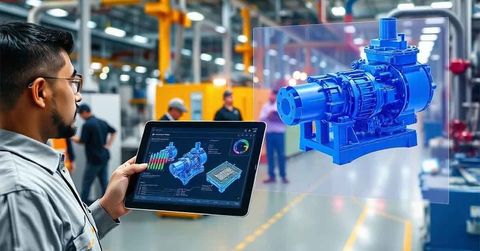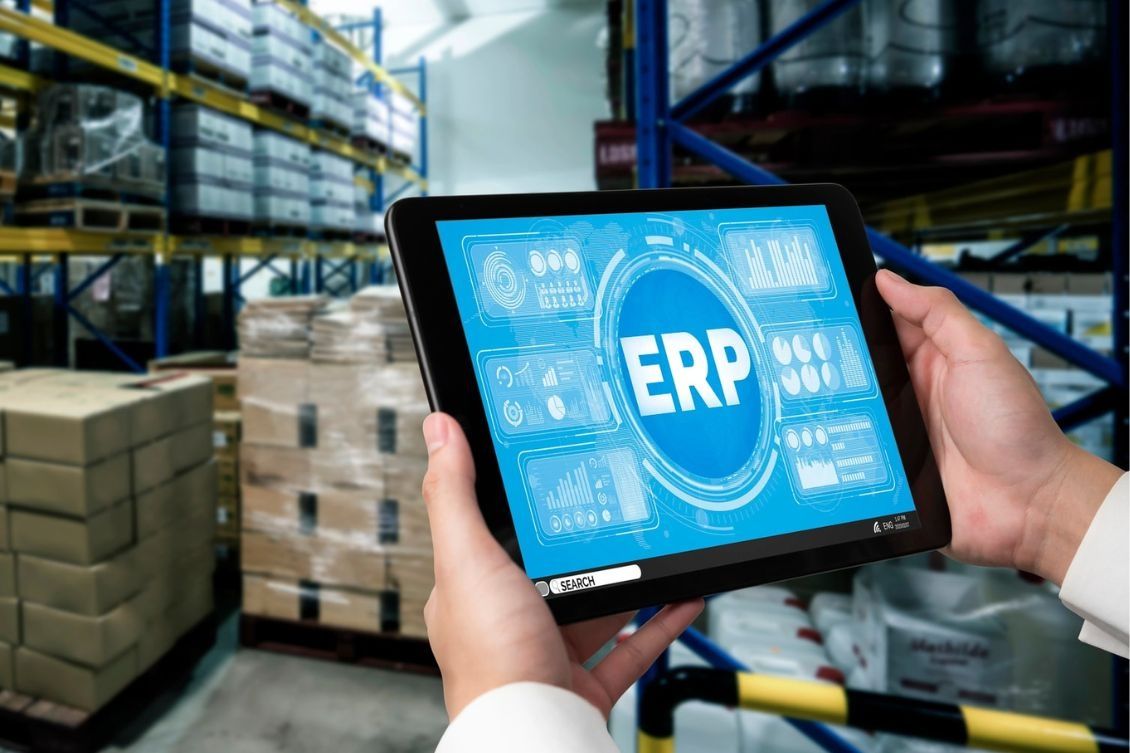
Enterprise ERP systems are integrated software platforms designed to manage and coordinate core business processes within an organization. The term ERP stands for enterprise resource planning, which reflects the idea of organizing resources such as finance, operations, inventory, and human resources through a unified system.
Historically, businesses relied on separate tools for different departments. Over time, this created challenges such as data duplication and lack of coordination. ERP software emerged as a solution to bring all these functions together into a single system.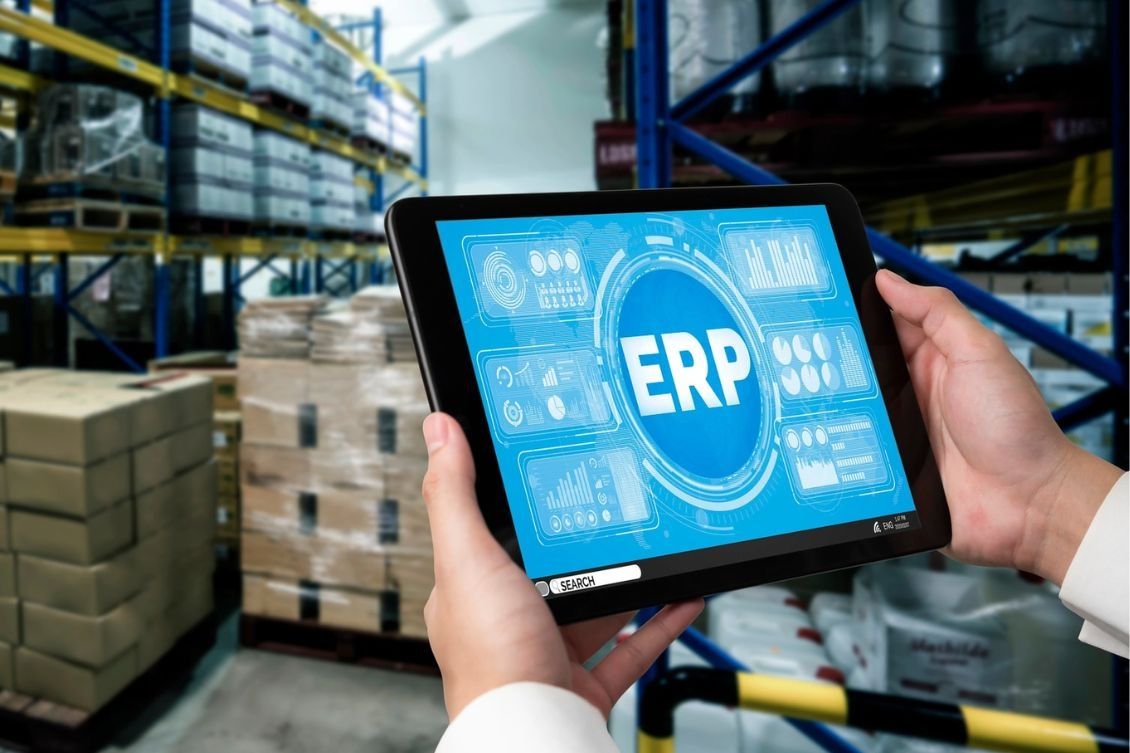
Today, enterprise ERP systems are used by organizations of different sizes to streamline workflows, maintain consistent data, and improve operational visibility. These systems are built to handle complex processes while keeping information centralized and accessible.
Importance
Enterprise ERP systems are important because they help organizations manage multiple operations efficiently. Without integrated business management systems, companies may face issues such as inconsistent data, delays in reporting, and limited coordination between departments.
ERP system benefits can be observed across various areas:
- Operational efficiency: reduces duplication of tasks and manual work
- Data accuracy: ensures consistent and centralized information
- Decision support: provides real-time insights for planning
- Process standardization: aligns workflows across departments
These systems are relevant to industries such as manufacturing, retail, healthcare, and logistics. Even for everyday users, ERP systems indirectly influence product availability, order tracking, and service delivery.
ERP Features and Modules
Enterprise ERP systems consist of multiple ERP modules, each designed to handle a specific business function.
Core ERP Modules
The most common ERP modules include:
- Finance module: manages accounting, transactions, and financial reporting
- Human resource module: handles employee records, payroll, and attendance
- Inventory module: tracks stock levels and warehouse activities
- Procurement module: manages purchasing and supplier interactions
- Sales module: records customer orders and sales activities
These ERP features allow organizations to manage different functions within a single platform.
Advanced ERP Features
Modern ERP software also includes advanced capabilities:
- Data analytics tools for reporting and insights
- Automation features for repetitive tasks
- Mobile access for remote usage
- Custom dashboards for monitoring key metrics
These features enhance the usability and adaptability of enterprise resource planning software.
ERP Integration
ERP integration refers to the process of connecting ERP software with other systems and tools used by an organization.
Why Integration Matters
Without proper ERP integration, businesses may struggle with disconnected systems. Integration helps ensure smooth data flow across platforms.
Key benefits include:
- Improved data consistency across systems
- Reduced manual data entry
- Better coordination between departments
Common Integration Areas
ERP systems are often integrated with:
- Customer relationship management tools
- Supply chain management systems
- E-commerce platforms
- Data reporting tools
ERP integration enables organizations to create a connected ecosystem where information flows seamlessly.
ERP Implementation Process
The ERP implementation process involves several stages to ensure the system is properly set up and aligned with business needs.
Planning Phase
This stage includes identifying requirements, defining goals, and selecting appropriate ERP modules.
Design and Configuration
The system is configured based on organizational workflows. Customization may be applied where necessary.
Testing and Deployment
Before full deployment, the system is tested to identify issues. Once validated, it is introduced across the organization.
Training and Support
Employees are trained to use the system effectively. Ongoing monitoring ensures smooth operation.
A structured ERP implementation process helps reduce disruptions and improves system adoption.
Comparison of ERP Modules
| Module | Function | Key Purpose | Example Use Case |
|---|---|---|---|
| Finance | Financial management | Track income and expenses | Budget tracking |
| Human Resources | Employee management | Manage workforce data | Payroll processing |
| Inventory | Stock management | Monitor goods and materials | Warehouse tracking |
| Procurement | Supplier management | Handle purchasing processes | Vendor coordination |
| Sales | Order management | Track customer transactions | Sales reporting |
Recent Updates
Enterprise ERP systems have evolved significantly with the adoption of cloud ERP solutions. Many organizations are shifting from traditional on-premise systems to cloud-based platforms that allow remote access and scalability.
Another key trend is the use of automation and artificial intelligence within ERP software. These technologies help improve efficiency by automating routine tasks and providing predictive insights.
There is also increasing focus on user-friendly interfaces, making ERP systems easier to navigate for non-technical users. Integration capabilities have improved, allowing smoother connections with other digital tools.
Laws or Policies
Enterprise ERP systems are influenced by various regulations related to data management, financial reporting, and security.
Data Protection
Organizations must ensure that ERP software complies with data protection laws, including proper handling of sensitive information.
Financial Compliance
ERP systems used for accounting must align with financial reporting standards and audit requirements.
Industry-Specific Regulations
Different industries may have specific rules that affect ERP implementation, such as healthcare data regulations or manufacturing standards.
These policies ensure that enterprise resource planning software is used responsibly and securely.
Tools and Resources
Several tools and resources support the effective use of enterprise ERP systems.
Planning Tools
- Requirement analysis templates
- Workflow mapping tools
Monitoring Tools
- Performance dashboards
- Reporting and analytics systems
Learning Resources
- Online tutorials explaining ERP features
- Documentation for ERP modules and processes
Integration Tools
- API management platforms
- Data synchronization tools
These resources help organizations manage ERP systems efficiently and maintain system performance.
FAQs
What are enterprise ERP systems used for?
Enterprise ERP systems are used to manage and integrate core business processes such as finance, inventory, human resources, and sales within a single platform.
What are the main ERP modules in ERP software?
The main ERP modules include finance, human resources, inventory, procurement, and sales, each handling a specific function within the organization.
How does ERP integration improve business operations?
ERP integration improves operations by connecting different systems, reducing manual work, and ensuring consistent data across platforms.
What is the ERP implementation process?
The ERP implementation process involves planning, system configuration, testing, deployment, and user training to ensure smooth adoption.
What are common ERP system benefits?
ERP system benefits include improved efficiency, better data accuracy, streamlined workflows, and enhanced decision-making capabilities.
Conclusion
Enterprise ERP systems provide a structured approach to managing business operations through integrated software platforms. By combining multiple ERP modules into a unified system, organizations can improve coordination and data consistency. ERP integration and cloud-based developments continue to enhance system capabilities. Understanding ERP features and the implementation process helps clarify their role in modern business environments.